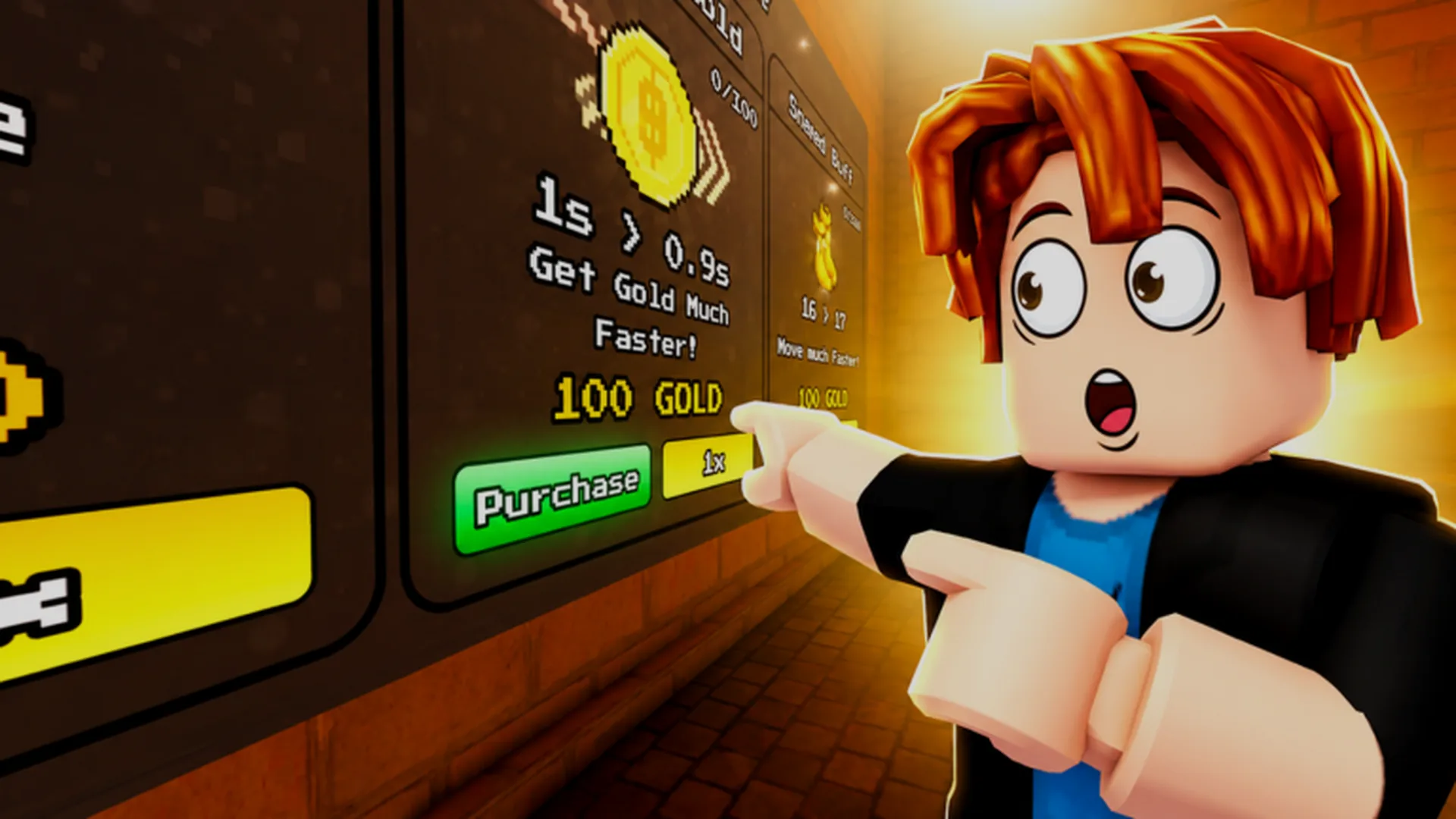
- Tower Incremental iOS play is available through the official Roblox app on iPhone and iPad
- No separate App Store release: the game runs inside Roblox, not as a standalone download
- Setup takes under 5 minutes: install Roblox, create an account, and search "Tower Incremental"
- Best early strategy: place cheap towers at path bends, upgrade damage first, rebirth at stage walls
- Progress syncs across devices: your towers, pets, and rebirth multipliers carry over everywhere
Tower Incremental iOS: Getting Started
Tower Incremental iOS access works through Roblox rather than a dedicated App Store listing. Because the game is a Roblox experience developed by Den_S, everything — the endless tower, your units, floors, pets, and rebirth progress — lives on your Roblox account. Once you sign in on an iPhone or iPad, your save follows you to any other device.
Key facts at a glance:
| Item | Details |
|---|---|
| Platform | Roblox app (iOS 12 or later recommended) |
| Standalone app | Not available — plays inside Roblox |
| Cost | Free to play, optional Robux purchases |
| Progress sync | Cloud-synced to your Roblox account |
| Cross-device | Works on iOS, Android, and PC with same save |
Make sure you have at least 1-2 GB of free storage. The Roblox app plus downloaded experiences can grow over time, and low storage causes crashes during longer Tower Incremental sessions.
iOS Setup: Step-by-Step Installation
Follow these steps to get Tower Incremental running on your iPhone or iPad in minutes.
Install the Roblox App
Open the App Store, search for "Roblox," and install the official app from Roblox Corporation. Avoid any third-party copycat apps — Tower Incremental only exists inside the legitimate Roblox platform.
Create or Sign In to Your Account
Register a free Roblox account or log in to an existing one. If you already play on PC, use the same account so your towers, pets, and rebirth multipliers carry over to iOS.
Search for Tower Incremental
Tap the magnifying glass icon, type "Tower Incremental," and select the game published by Den_S. Check the developer name to confirm you have the right experience.
Launch and Adjust Controls
Tap the play button. On first launch, Roblox walks you through touch controls. Spend a minute practicing tower placement with tap-to-select and drag-to-position before your first waves arrive.
Favorite the Game
Tap the star icon on the game page. This pins Tower Incremental to your home screen for one-tap access on every future session.
There is no official standalone Tower Incremental iOS app. Any App Store listing claiming to be a direct download is unofficial. Always access the game through the Roblox app to keep your account and progress safe.
iOS Controls vs. Other Platforms
Touch controls handle Tower Incremental well because the game leans on incremental progression rather than fast reflexes. Here is how iOS compares.
| Feature | iOS (Touch) | PC (Mouse/Keyboard) | Android |
|---|---|---|---|
| Tower placement | Tap and drag | Click and drag | Tap and drag |
| Camera movement | Two-finger swipe | Right-click drag / WASD | Two-finger swipe |
| Zoom | Pinch gesture | Scroll wheel | Pinch gesture |
| Upgrades menu | Tap buttons | Click buttons | Tap buttons |
| AFK farming | Works, keep screen on | Works, easiest setup | Works, keep screen on |
iOS Strengths
- Play anywhere — climb floors on the go
- Pinch zoom makes floor overview quick
- Notifications alert you to new codes
iOS Weaknesses
- Smaller screen limits dense tower clusters
- Battery drain during long AFK sessions
- No keyboard shortcuts for fast upgrades
Best Hybrid Setup
- Push stages on PC for precision
- Claim daily rewards and codes on iOS
- Use phone for AFK income checks between sessions
If the game lags on an older iPhone, lower the graphics quality in Roblox settings (gear icon > Settings > Graphics Mode > Manual) and close background apps before launching Tower Incremental.
Beginner Progression on Mobile
The core loop stays the same on every platform: place towers, clear waves, earn coins, and reinvest into stronger defenses. When progress stalls, rebirth converts your run into permanent multipliers.
| Stage | Priority | Coins Focus |
|---|---|---|
| Floors 1-5 | Cheap AoE towers at path bends | Spread placements, avoid one expensive tower |
| Floors 6-15 | Damage upgrades on multi-hit towers | Add range and attack speed second |
| Mid-game | Economy tower + support buffs | Keep a coin buffer between waves |
| Stage wall | Claim all rewards, then rebirth | Push a few stages past the wall, no more |
| Post-rebirth | Damage multipliers first | Shift to cash multipliers in mid-game |
A 10-minute run that doubles your multipliers beats a 60-minute run that triples them. On iOS especially, shorter and faster rebirth loops fit mobile play sessions better and compound your growth more efficiently.
First Session Goals on iOS:
- Install Roblox and log in with your main account
- Favorite Tower Incremental for one-tap access
- Place first AoE tower at a path bend
- Redeem any available in-game reward bonuses
- Reach your first stage wall and rebirth
Troubleshooting Common iOS Issues
| Problem | Likely Cause | Fix |
|---|---|---|
| Game fails to load | Outdated Roblox app | Update Roblox from the App Store |
| Crashes mid-run | Low storage or RAM | Free 1-2 GB, close background apps |
| Lag during heavy waves | High graphics setting | Lower graphics quality in Roblox settings |
| Progress not syncing | Wrong account signed in | Verify Roblox username matches other devices |
| Touch input misplaces towers | Zoomed out too far | Pinch in slightly, then reposition |
Never enter your Roblox password on third-party sites promising free Robux or pets. There are no legitimate in-game free Robux generators — all Tower Incremental purchases go through the official Roblox app only.
FAQ
Q: Is there a standalone Tower Incremental iOS app on the App Store?
No. Tower Incremental is a Roblox experience, so on iPhone and iPad you play it through the official Roblox app. Any listing claiming to be a direct Tower Incremental download is unofficial and should be avoided.
Q: Does my Tower Incremental progress transfer between iOS and PC?
Yes. Towers, pets, rebirth points, and gamepasses are saved to your Roblox account and sync across every device. Just sign in with the same account on each platform.
Q: Is Tower Incremental free to play on iOS?
Yes, the game itself is free through Roblox. Optional purchases like the 2x Cash and 2x Damage gamepasses cost Robux, but free-to-play players progress fine using daily rewards, events, and rebirth multipliers.
Q: Why does Tower Incremental lag on my iPhone?
Lower the graphics quality in Roblox settings, close background apps, and free up storage. Older devices benefit most from Manual graphics mode set to a low level during dense waves.